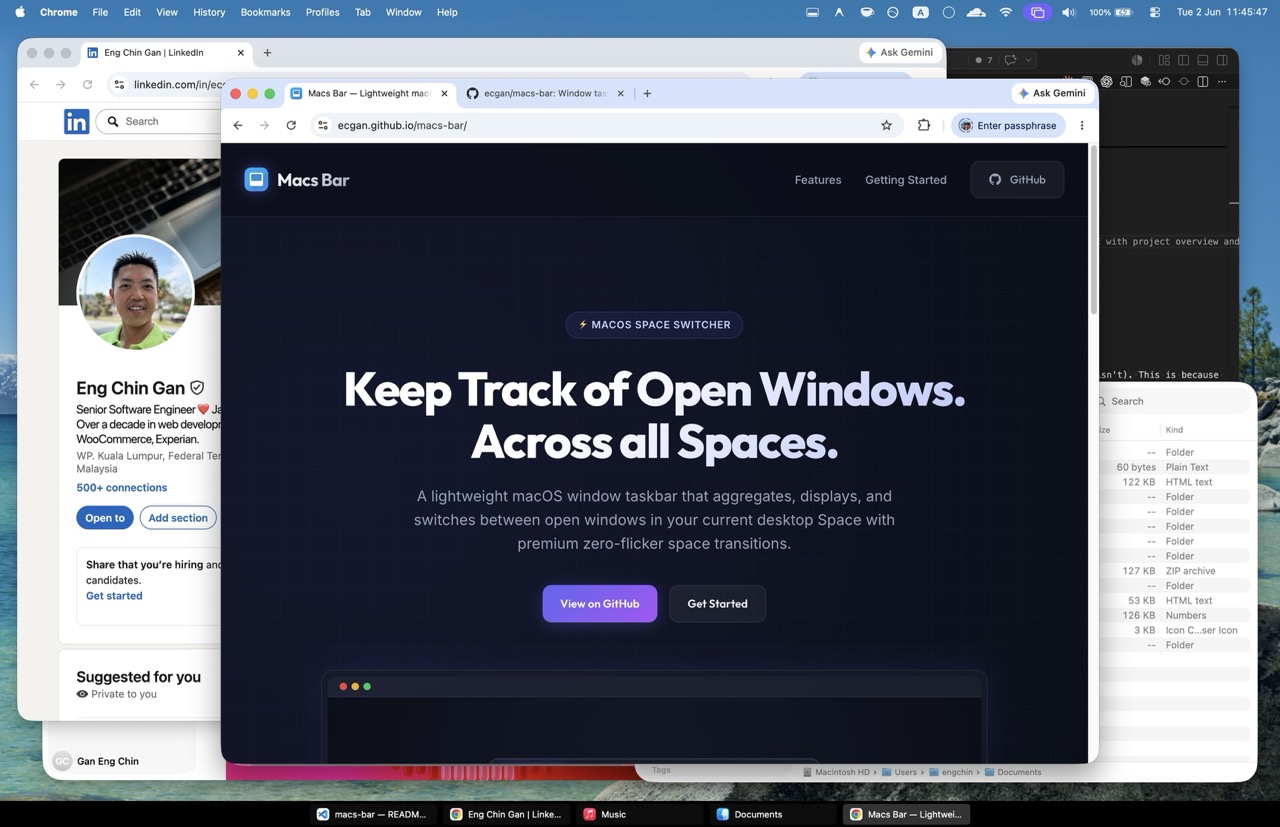
⚡ macOS space switcher

Keep Track of Open Windows.
Across all Spaces.

A lightweight macOS window taskbar that aggregates, displays, and switches between open windows in your current desktop Space with premium zero-flicker space transitions.

Macs Bar Screenshot

Features Designed for Power Users

A smart, elegant taskbar experience that complements macOS window management beautifully.

🚀

Real-time Window Tracking

Instantly tracks open, closed, moved, or focused windows using advanced macOS Accessibility APIs combined with highly efficient fallback polling.

Per-Space Panels

Assigns dedicated native panel wrappers (`NSPanel`) to individual desktop Spaces, guaranteeing flicker-free transitions as you swap workspaces.

🖥️

Multi-display Support

Creates discrete taskbars on separate physical monitors when "Displays have separate Spaces" is active in your macOS system preferences.

⚙️

Smart Resizing

Intelligently negotiates screen real estate to ensure maximized windows automatically scale to prevent overlaps with the Macs Bar panel.

⌨️

Keyboard Shortcuts

Navigate and activate windows using global, fully customizable hotkeys without ever having to reach for your mouse or trackpad.

👁️

Fullscreen-Aware

Perfectly blends into the background by auto-hiding when you enter fullscreen mode on any of your active application windows.

Getting Started

Building Macs Bar is incredibly simple. You can clone the repository, build the binary bundle using our helper scripts, and run the app locally in seconds.

  • 1

    System Requirements

    Compatible with macOS 13 (Ventura) or later.

  • 2

    Grant Permissions

    Provide Accessibility permissions in System Settings on first launch to allow window tracking.

  • 3

    Run & Switch

    Click your taskbar windows or use keyboard shortcuts to jump effortlessly between active tasks.

Terminal — Quick Install
# 1. Clone the repository $git clone https://github.com/ecgan/macs-bar.git $cd macs-bar/app # 2. Build the app bundle $./build-app.sh # 3. Launch the app $open MacsBar.app